
The Thunderstick guide
Play Centipede at Home — The Right Arcade Trackball
Practical advice to help you choose, connect, and get back to the games you love.

Play Centipede at Home — The Right Arcade Trackball
Centipede was designed around one control: a fast, free-rolling trackball. On a joystick or D-pad it's a different (worse) game — you can't sweep the shooter across the field or feather it between mushrooms. If you want Centipede, Millipede or Missile Command to feel like 1981, you need a real trackball.
What you need
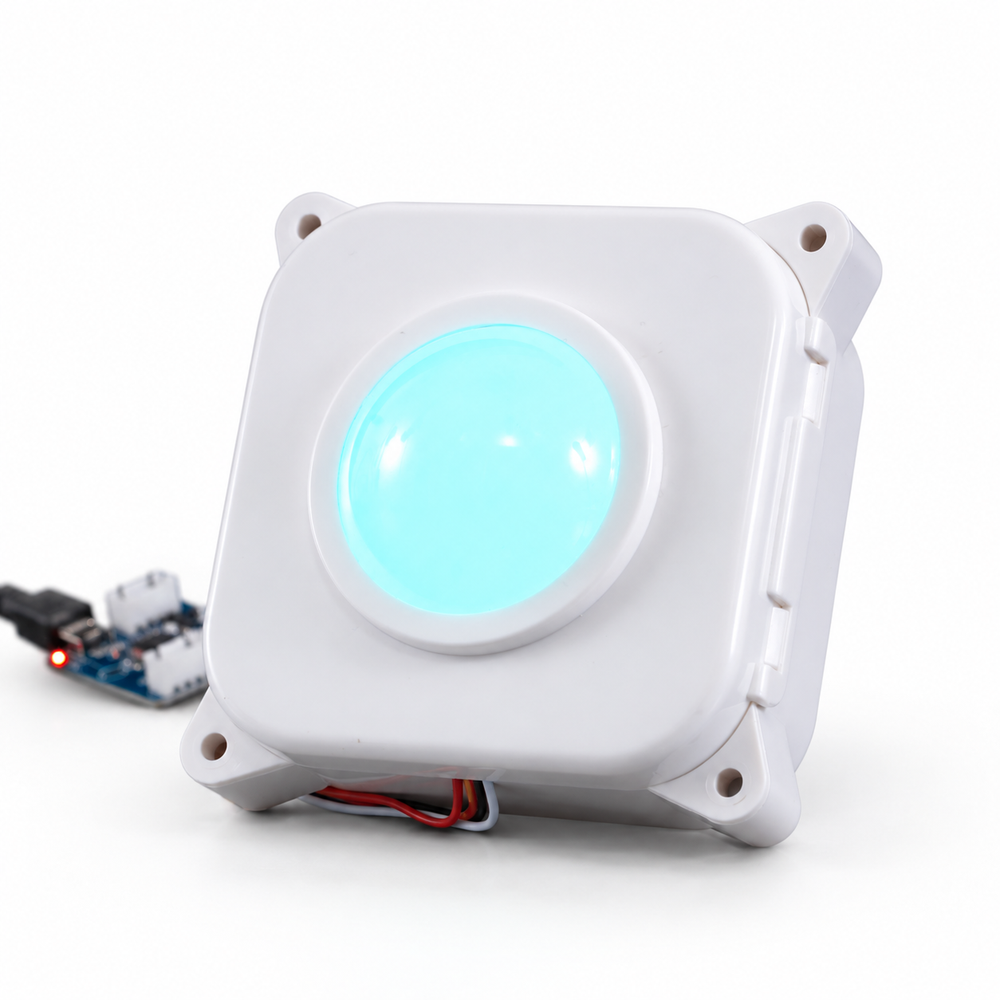
- GRS LED Arcade Trackball — drop-in USB trackball with high-sensitivity optical tracking (the value pick)
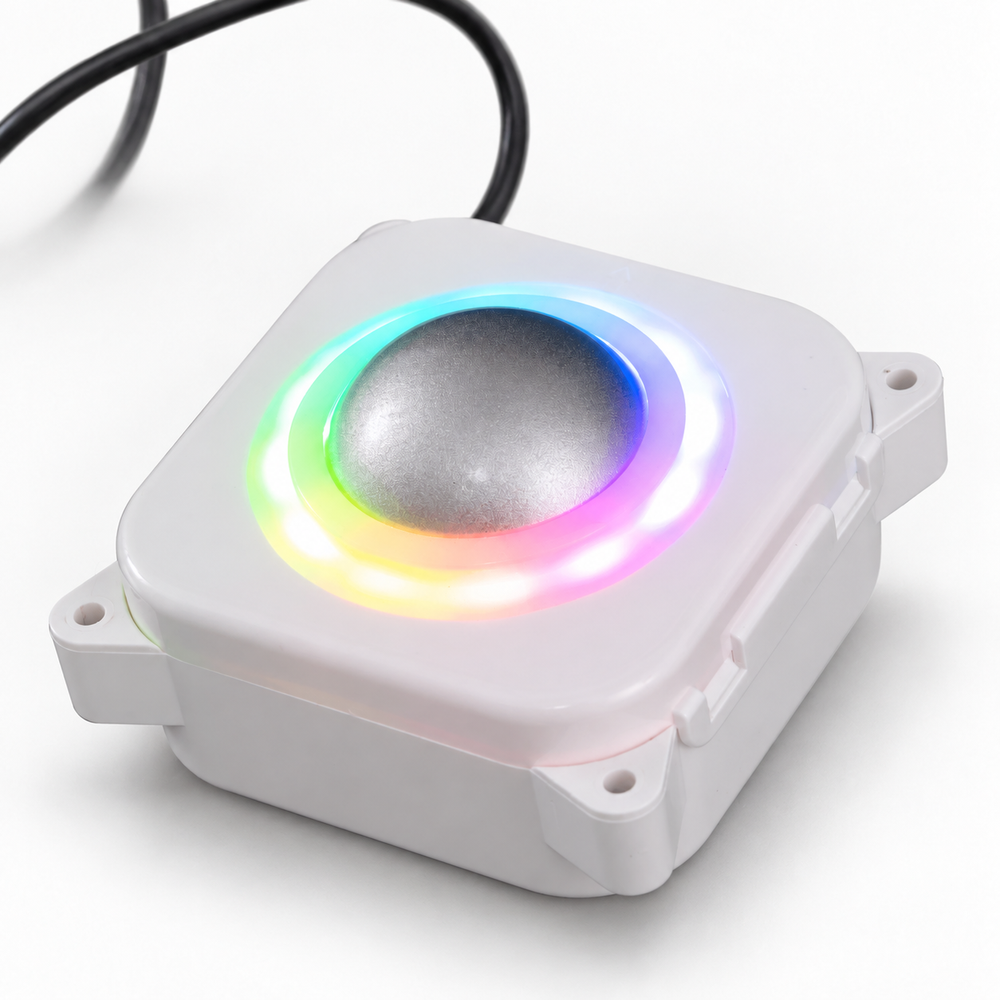
- GRS RGB Arcade Trackball — same tracking with addressable RGB lighting for custom builds
- Trackball mounting plate — clean, factory-style panel install
- Upgrading an Arcade1Up 12-in-1? Add the GRS 12-in-1 Interface Board so the trackball converts to USB — full details in the Arcade1Up guide
Setup notes
- Plug in over USB — MAME, RetroPie and RetroArch see it as a mouse device, no drivers
- In MAME, set Trackball Device Assignment to Mouse and tune per-game sensitivity in Analog Controls (Centipede likes it fast; Missile Command a touch slower)
- Mount with the ball slightly proud of the panel so your palm can roll it flat — that's the authentic cabinet feel
Building a full cabinet? See the MAME cabinet parts guide. Golf fan? The same trackballs power Golden Tee at home.
Need a hand?